
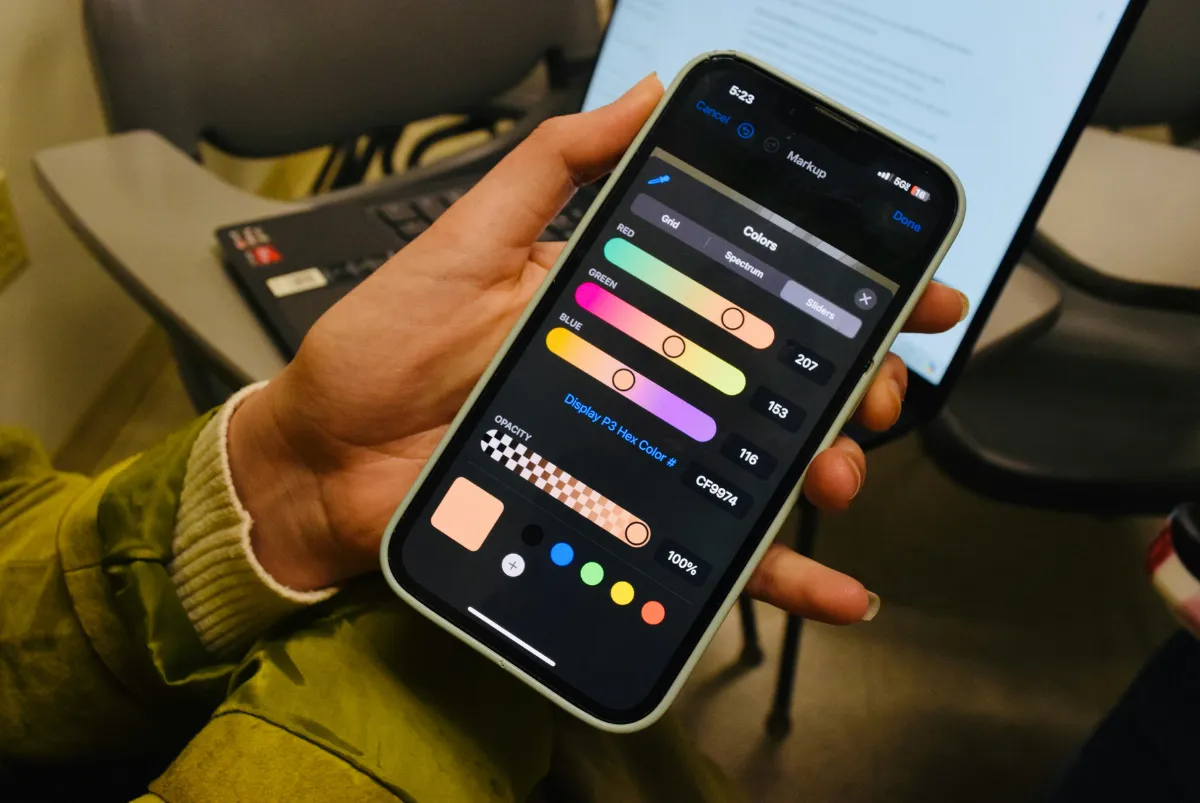
A successful mobile application is not defined by functionality alone. Users also expect applications to be visually appealing, easy to understand, responsive, and effortless to navigate. Even a technically powerful application can struggle if users find its interface confusing or difficult to use.
Mobile UI/UX design and prototyping help businesses transform ideas into clear, engaging, and user-friendly application experiences before full development begins.
At FIZABEE LLC, we provide mobile UI/UX design and prototyping services focused on creating interfaces that combine visual quality with practical usability. Our approach helps businesses organize application ideas, understand user journeys, visualize interactions, and establish a strong foundation for development.
This guide explores the importance of mobile UI/UX design, the difference between UI and UX, the role of prototypes, the design process, common mistakes, and how thoughtful design can improve your mobile application.
What Is Mobile UI/UX Design?
UI stands for User Interface, while UX stands for User Experience.
Although these concepts are closely connected, they focus on different aspects of an application.
User Interface Design
UI design focuses on the visual and interactive elements users see and interact with.
This can include:
- Colors
- Typography
- Buttons
- Icons
- Images
- Forms
- Cards
- Menus
- Navigation elements
- Screen layouts
- Interactive components
The goal is to create an interface that is visually consistent, understandable, and aligned with the application’s purpose and brand.
User Experience Design
UX design focuses on how users experience the application as a whole.
It considers:
- User goals
- Navigation
- Information structure
- User journeys
- Interactions
- Task completion
- Usability
- Accessibility
- Feedback
- Overall satisfaction
A strong UX makes it easier for users to accomplish what they came to the application to do.
Why UI/UX Design Matters For Mobile Apps
Mobile applications have limited screen space, which makes thoughtful design especially important.
Users often interact with applications quickly and on different devices, environments, and screen sizes.
Good UI/UX design can help businesses:
Improve Usability
Clear layouts and logical navigation help users understand how an application works without unnecessary effort.
Increase Engagement
An attractive and intuitive experience can encourage users to explore more features and return to the application.
Reduce Confusion
Organized information and clear interactions can reduce the possibility of users becoming lost or frustrated.
Strengthen Brand Identity
A mobile application can reinforce your company’s visual identity through consistent colors, typography, imagery, and interface elements.
Support Better Development
A well-planned design provides developers with a clearer understanding of how screens and interactions should function.
The Importance Of Mobile-First Thinking
Mobile applications are different from desktop websites.
Users interact with mobile devices through touch, gestures, smaller screens, and varying orientations.
Mobile-first design considers these characteristics from the beginning.
Important considerations include:
- Touch-friendly controls
- Appropriate text sizes
- Comfortable spacing
- Clear navigation
- Easy-to-reach interactive elements
- Responsive layouts
- Simplified information
- Efficient user journeys
Designing specifically for mobile behavior can help create a more comfortable experience.
What Is A Mobile App Prototype?
A prototype is an interactive representation of an application’s proposed experience.
Instead of being a fully developed application, a prototype demonstrates how screens connect and how users may move through different workflows.
A prototype can show:
- Screen layouts
- Navigation
- Buttons
- User flows
- Interactions
- Transitions
- Forms
- Menus
- Content structure
This makes it easier for businesses and development teams to visualize an application before development is completed.
Why Prototyping Is Valuable
Prototyping provides an opportunity to evaluate an application concept before significant development effort is invested.
Visualize The Concept
An idea that sounds clear in conversation can feel very different when represented as an actual mobile interface.
A prototype helps stakeholders see how the application could work.
Identify Usability Issues Early
Navigation problems, unnecessary steps, confusing screens, or missing interactions can often be identified during the design stage.
Improve Communication
A prototype provides a visual reference that can help business owners, designers, developers, and other stakeholders discuss the same experience.
Validate User Journeys
Important workflows can be mapped and reviewed before development begins.
Reduce Unnecessary Changes
Discovering design issues before development can reduce the need for extensive changes later in the project.
Our Mobile UI/UX Design Process
At FIZABEE, we use a structured process to create practical and engaging mobile experiences.
Step 1: Understand The Application
We begin by understanding the application’s purpose, target users, business objectives, required features, and overall expectations.
This helps establish the design direction.
Step 2: Define User Journeys
We consider how users will move through the application.
For example, an e-commerce user might discover a product, review its details, add it to a cart, complete checkout, and receive order information.
Mapping these journeys helps organize the experience logically.
Step 3: Structure The Screens
The application’s information and functionality are organized into appropriate screens and navigation structures.
This creates a foundation for the interface.
Step 4: Create Interface Designs
The visual interface is developed around the established user journeys.
Design considerations can include:
- Typography
- Colors
- Buttons
- Cards
- Icons
- Forms
- Navigation
- Spacing
- Images
- Interactive states
Step 5: Build The Prototype
Selected screens are connected to demonstrate how users may navigate and interact with the application.
The prototype provides a more realistic representation of the proposed experience.
Step 6: Review And Refine
The design is reviewed to identify usability concerns, visual inconsistencies, unnecessary steps, or other improvements.
Adjustments can then be made before development begins.
Key Features Of Effective Mobile UI/UX Design
Clear Navigation
Users should understand where they are and how to reach important areas of the application.
Visual Hierarchy
Important information should receive appropriate visual emphasis so users can quickly understand what matters.
Consistent Components
Buttons, typography, colors, icons, and other interface elements should follow consistent rules throughout the application.
Responsive Layouts
The interface should adapt appropriately to supported screen sizes and orientations.
Meaningful Feedback
Applications should provide users with appropriate responses after actions, such as confirmations, loading indicators, warnings, or error messages.
Accessible Interactions
Controls should be understandable and usable for as many people as reasonably possible.
UI Design Elements That Matter
Typography
Text should be readable and organized according to its importance.
Headings, labels, descriptions, and buttons should have clear visual relationships.
Color
Color can communicate brand identity, hierarchy, status, and interaction.
However, it should not be the only method used to communicate important information.
Icons
Icons can help users recognize actions and navigate interfaces more efficiently when used consistently and appropriately.
Spacing
Adequate spacing can improve readability and prevent screens from feeling crowded.
Buttons
Interactive elements should be visually identifiable and appropriately sized for touch interaction.
UX Research And User-Centered Design
Good UI/UX design should begin with an understanding of the people who will use the application.
Important questions include:
- Who are the target users?
- What are they trying to accomplish?
- What problems are they experiencing?
- What information do they need?
- What actions are most important?
- What could make the experience confusing?
User-centered design uses these considerations to create experiences that are based on real needs rather than assumptions alone.
Common Mobile UI/UX Design Mistakes
Overcomplicated Navigation
Too many menus, categories, or navigation levels can make applications difficult to understand.
Too Much Information
Mobile screens have limited space. Showing too much information at once can overwhelm users.
Inconsistent Design
Different button styles, typography, colors, or navigation patterns can make an application feel confusing and unpolished.
Ignoring Touch Interaction
Controls designed without mobile interaction in mind may be difficult to tap or use comfortably.
Designing Only For Appearance
A beautiful interface is valuable, but visual design should support usability rather than replace it.
Skipping Prototyping
Starting development without validating important user flows can make design changes more expensive later.
How UI/UX Design Supports Business Goals
Good design is not simply about aesthetics.
A thoughtful experience can support business objectives by helping users:
- Discover products
- Complete purchases
- Book services
- Create accounts
- Submit information
- Access content
- Communicate with businesses
- Complete important tasks
When users can complete these actions easily, the application can provide greater value to both customers and the business.
How Much Does Mobile UI/UX Design Cost?
The cost of UI/UX design varies depending on the project’s scope and complexity.
Factors can include:
- Number of screens
- Number of user journeys
- Prototype requirements
- Design complexity
- Branding requirements
- User research
- Interactive components
- Custom illustrations
- Design system requirements
- Usability testing
- Revision requirements
A simple application may require only a limited number of screens, while a large application may involve extensive user journeys and hundreds of interface states.
At FIZABEE, we provide one-time payment packages based on project requirements rather than recurring subscription plans.
How To Prepare For Your UI/UX Project
You do not need to have a finished design before contacting a professional design team.
However, having some basic information can make the process easier.
Consider preparing:
Your Application Idea
Explain what the application does and why users would need it.
Target Audience
Describe who will use the application.
Main Features
List the most important functionality.
Brand Information
Provide existing logos, colors, typography, or other brand guidelines if available.
Reference Applications
Examples of applications you like can help communicate your preferred visual or interaction style.
Important User Journeys
Identify the actions users must be able to complete.
These details can provide useful direction for the design process.
UI/UX Design Before Development: Why It Matters
Designing an application before development creates a visual and functional reference for the project.
Instead of discovering major interface problems while the application is being built, teams can review the experience earlier.
This can improve communication between stakeholders and developers while creating a clearer development direction.
A prototype can also help businesses communicate their ideas to internal teams, potential partners, investors, or other stakeholders.
Building A Design System
For larger applications, a design system can help maintain consistency.
A design system may define:
- Colors
- Typography
- Buttons
- Forms
- Cards
- Navigation
- Icons
- Spacing
- Interaction states
- Component behavior
Using reusable components can make it easier to maintain a consistent interface as the application grows.
Why Professional UI/UX Design Matters
Mobile users interact with applications quickly and expect familiar patterns, clear information, and responsive controls.
Professional UI/UX design considers both the visual and functional sides of the experience.
At FIZABEE, we focus on creating mobile interfaces that are visually polished while remaining practical and user-centered. We combine interface design, user flows, interactive prototypes, responsive layouts, and thoughtful navigation to create a stronger foundation for development.
Create Your Mobile Experience With FIZABEE
Your application idea deserves more than a collection of screens.
It needs a clear user journey, intuitive navigation, consistent visual language, and interactions that make sense to the people using it.
FIZABEE LLC provides mobile UI/UX design and prototyping services for businesses looking to transform concepts into engaging and practical mobile experiences.
Our one-time payment packages allow clients to select design services according to their project requirements without recurring subscription commitments.
Whether you have a simple app concept, an established business application, or a complex digital product, thoughtful UI/UX design can help turn your idea into an experience users can understand and enjoy.
Ready to transform your mobile app idea into an engaging experience? Contact FIZABEE LLC today and start designing your application with confidence.